
Automate without losing the personal touch
Automate without losing the personal touch
Build simple, visual email workflows that respond to sign-ups, engagement, and customer activity—so every contact receives the right message at the right time.
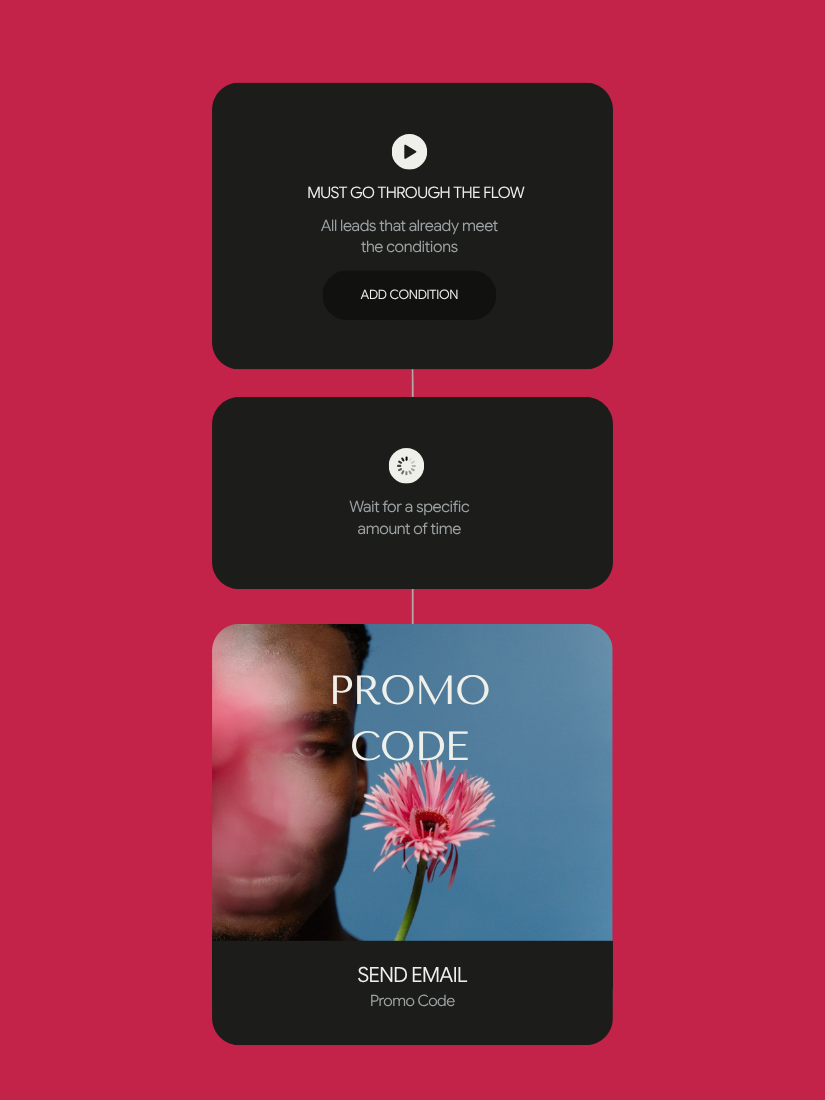
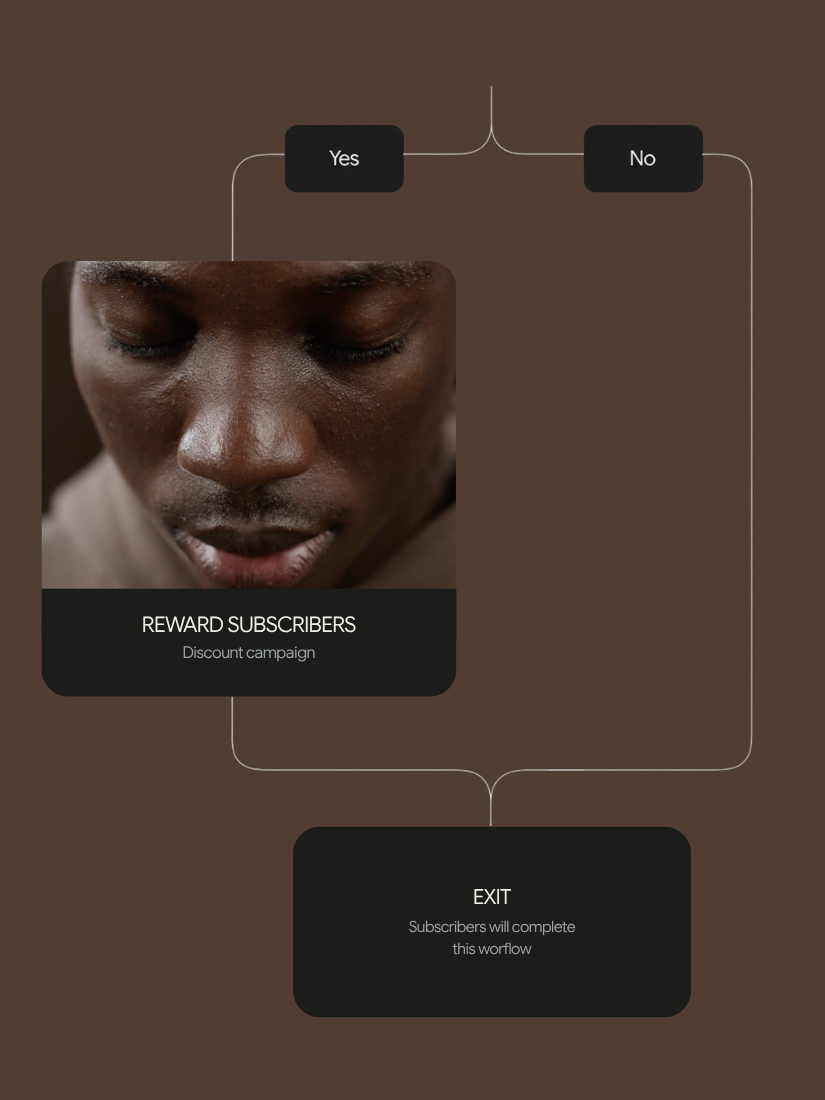
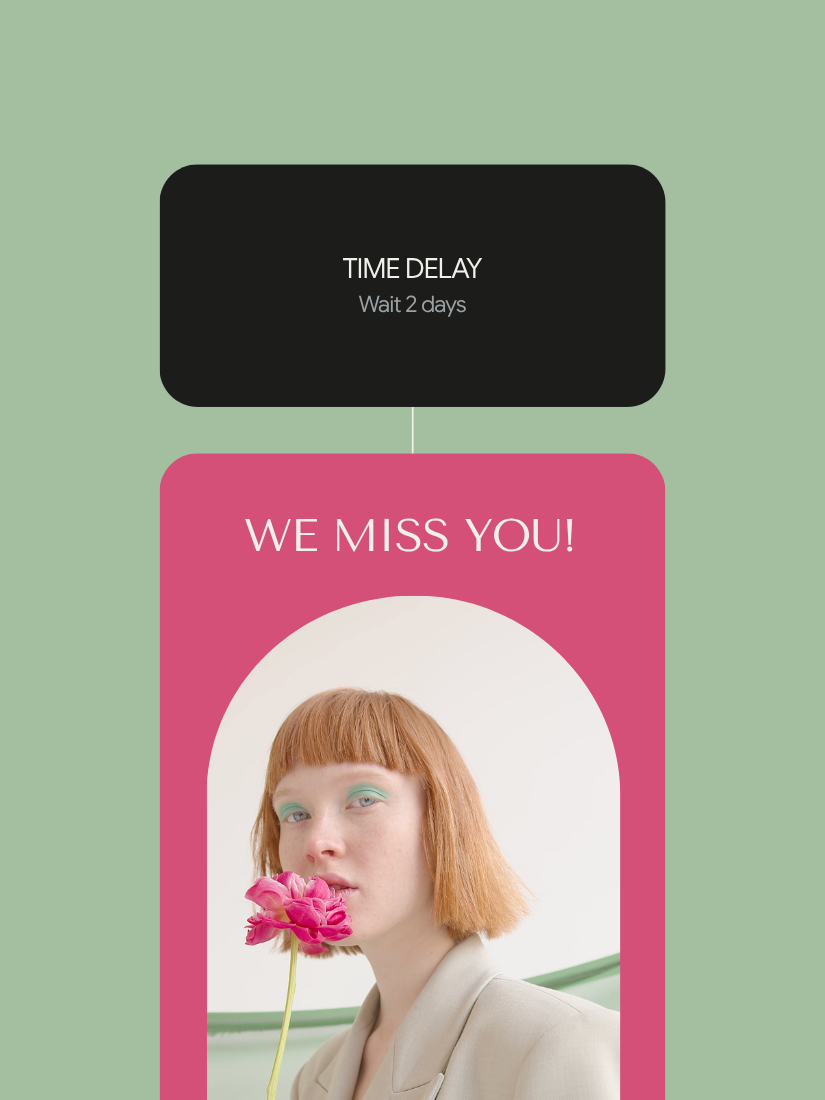
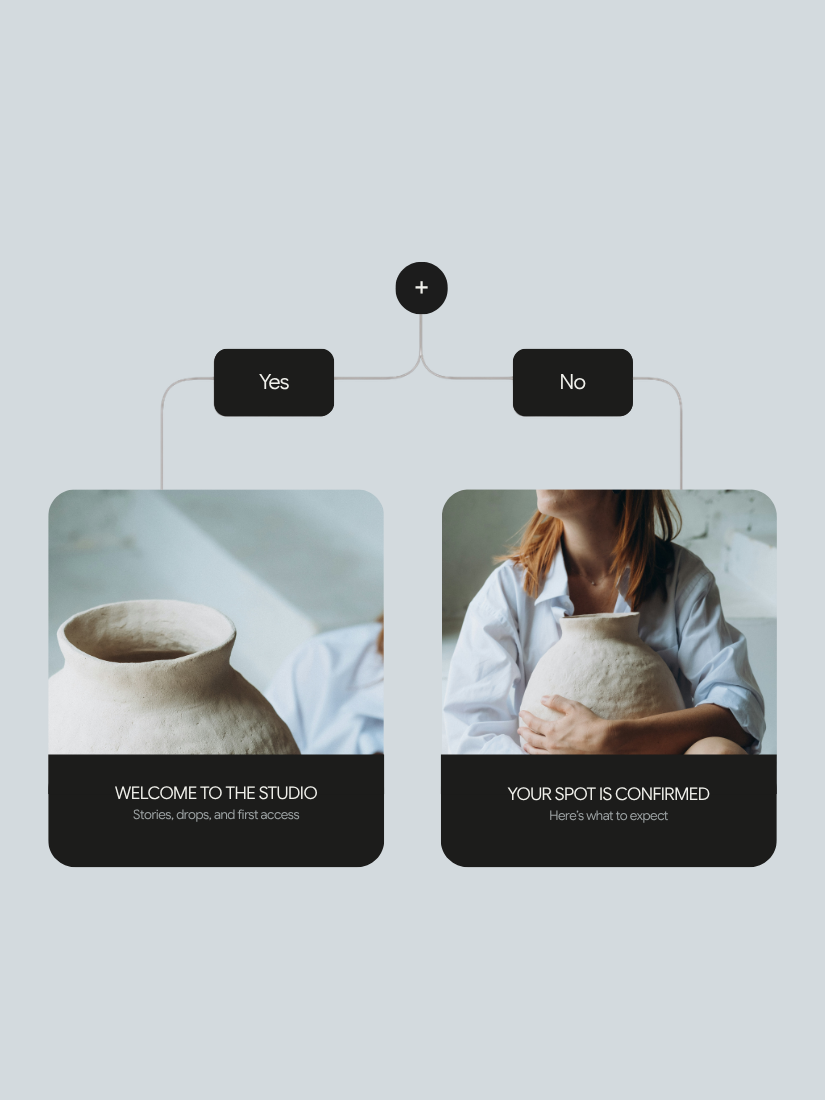
Start with the journey you need
Start with the journey you need
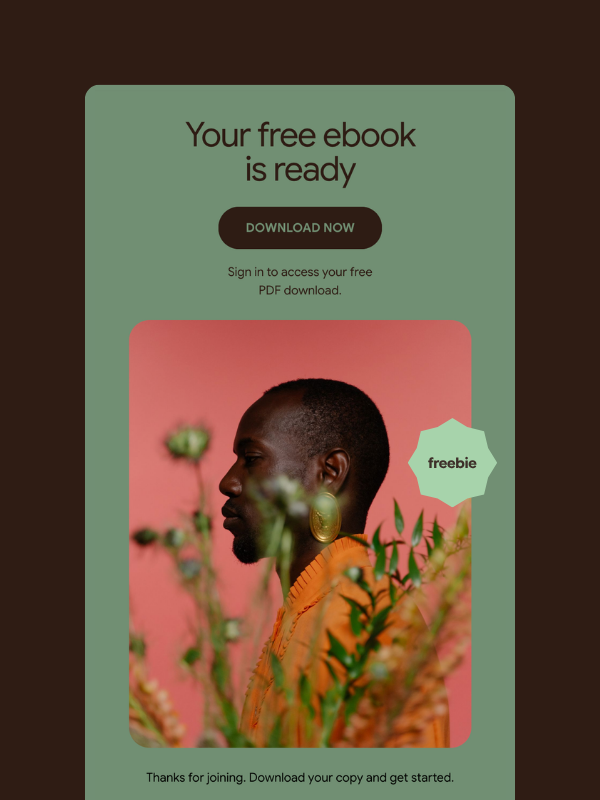
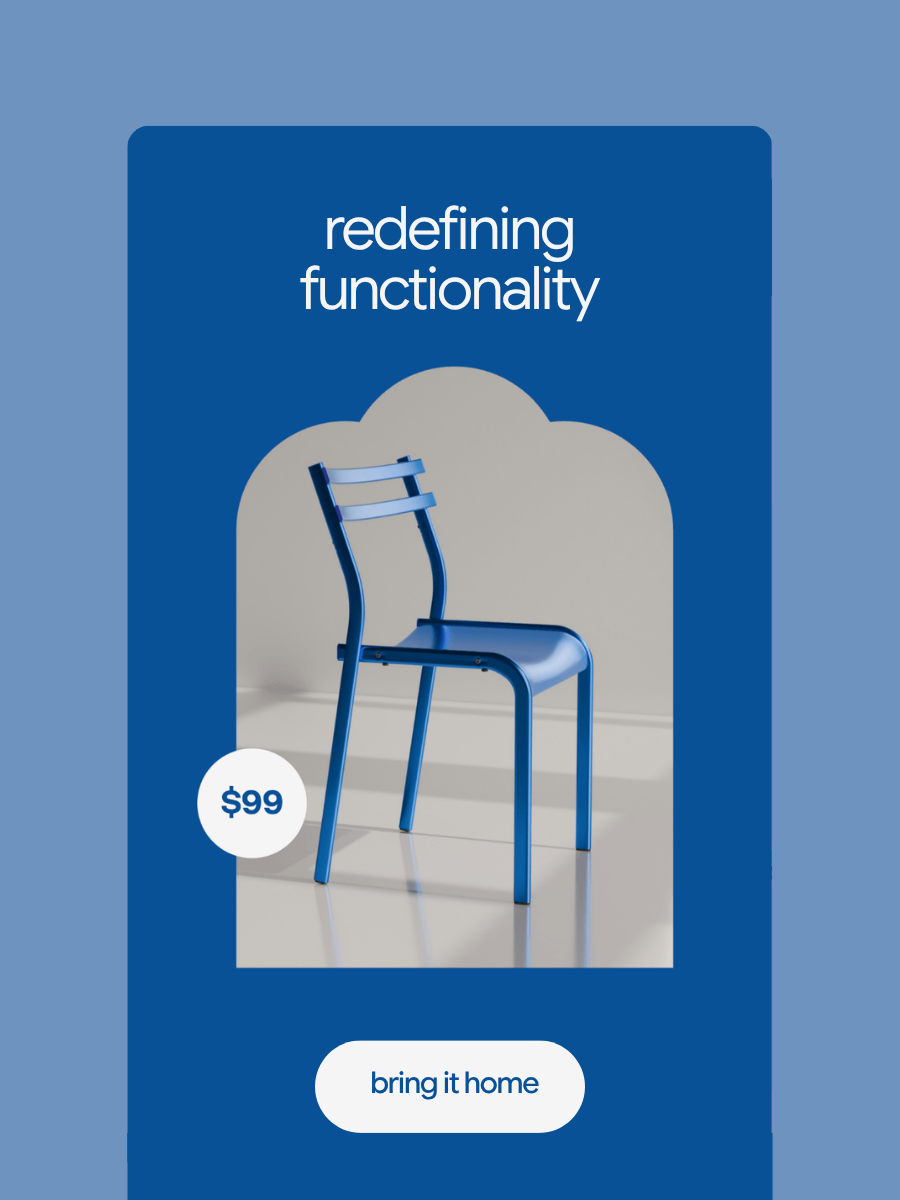
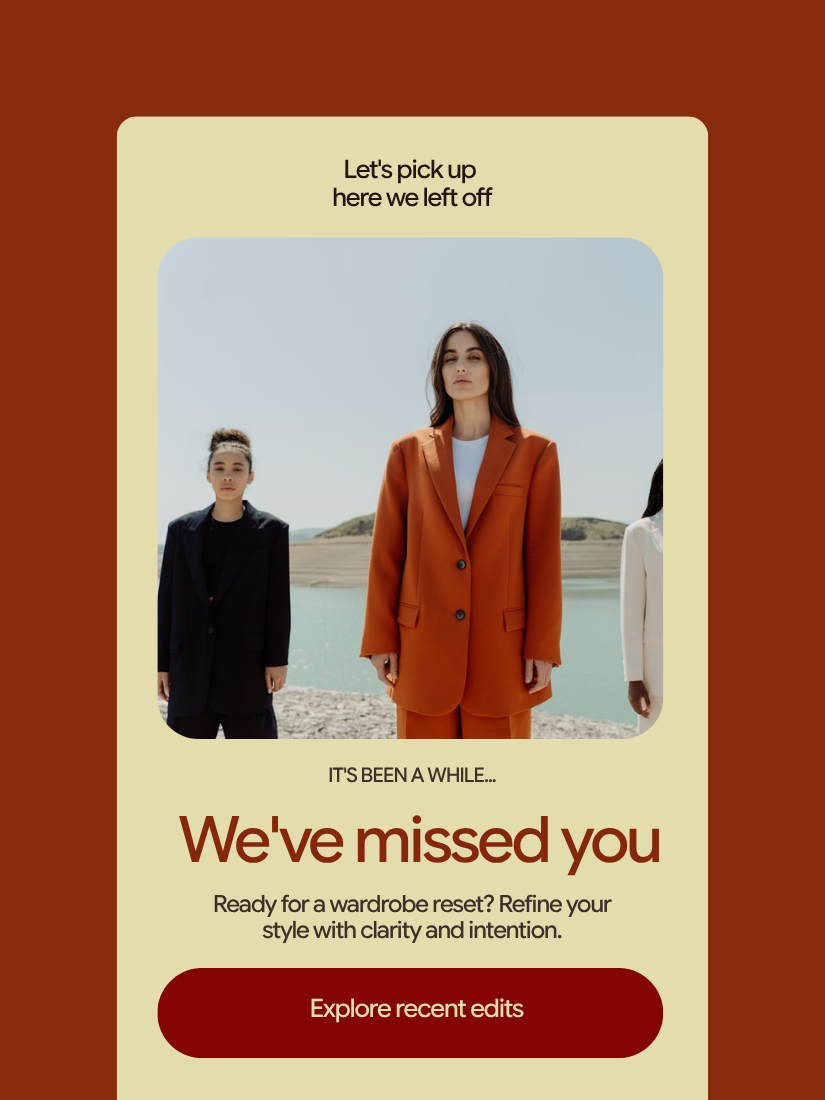
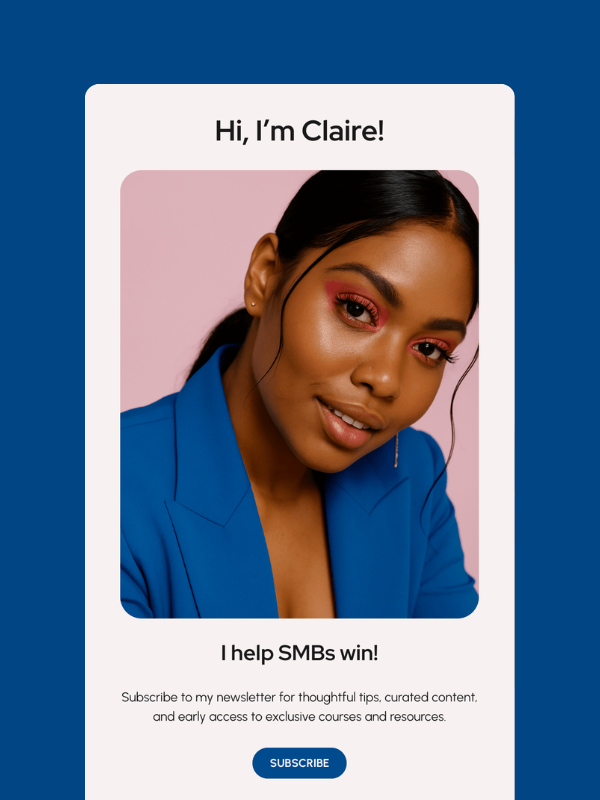
Use ready-made workflows, build with AI, or start from scratch.


Build visually. Launch in minutes.
Build visually. Launch in minutes.
Create each workflow through a simple visual builder—without code or complicated setup.

One connected journey from first click to follow-up
One connected journey from first click to follow-up
Your websites, landing pages, forms, popups, link in bio pages, CRM, and email tools work together inside Brandset.
Send new contacts directly to your CRM when they complete a Brandset form.
Use their source, interests, activity, and contact information to personalize each workflow.
Automatically apply tags, update fields, assign scores, and organize contacts as they move through the journey.
Trigger the next email, reminder, or internal task without relying on manual follow-up.
See how every workflow
performs
See how every workflow
performs
Track how contacts move through each workflow, how they engage with
automated emails, and where the journey can be improved.
See how many contacts entered, remain active, or completed each workflow.
Track opens, clicks, and unsubscribes across your automated emails.
See where contacts continue, pause, complete, or leave the workflow.
Review the latest workflow events and contact actions as they happen.
Powerful when you need it. Simple from day one.
Powerful when you need it. Simple from day one.
Build simple workflows for everyday follow-ups, then add advanced rules, segmentation, CRM actions, and analytics as your needs grow.
AI-assisted setup
AI-assisted setup
Describe the journey you want to create and use AI to help structure the workflow.
Flexible time delays
Flexible time delays
Wait for a specific number of minutes, hours, or days before moving contacts to the next step.
Conditions and branches
Conditions and branches
Create different paths based on contact information, source, tags, behavior, or engagement.
Audience segmentation
Audience segmentation
Use segments to keep each workflow relevant to the contacts receiving it.
CRM actions
CRM actions
Update fields, assign tags, score leads, create tasks, and move contacts through your pipeline.
Built-in analytics
Built-in analytics
Monitor workflow activity and email engagement without connecting a separate analytics platform.
Email Workflows — FAQs
Email Workflows — FAQs
Put every follow-up on autopilot
Put every follow-up on autopilot
Build your first visual workflow and keep every customer journey moving without repetitive manual work.